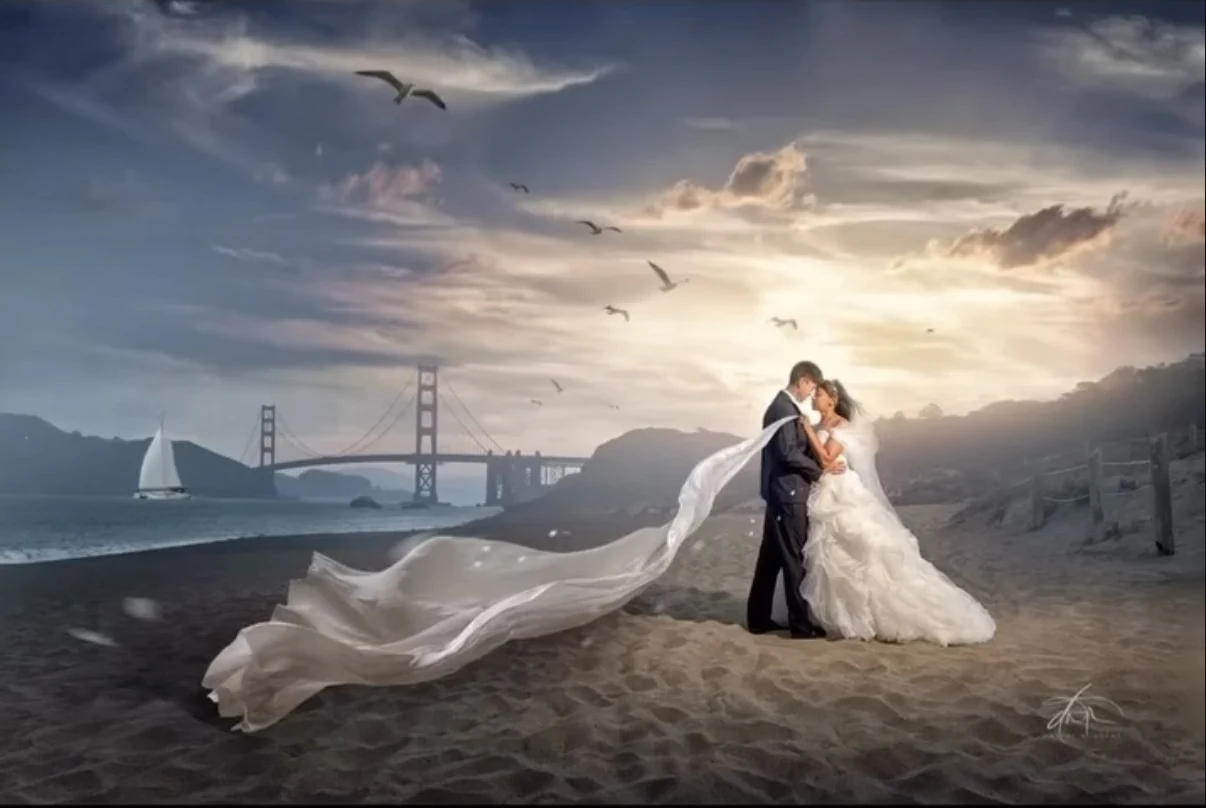
Learn portrait lighting.
Build a repeatable setup with free lessons and calculators. Start with one light, make a test frame, and understand what to adjust.
Start the free beginner path →Bring a reference photo. Get a practical lighting, color and retouch plan for your gear. Add your own shot to see what to change next, then learn to repeat the result.
Free tools, at your pace. Private Sacramento photography workshops, built around your goals: 3 hours · $399.
You do not need to master every calculator. Start with the lighting question in front of you.
Start with the help you need for this photograph.
Build a repeatable setup with free lessons and calculators. Start with one light, make a test frame, and understand what to adjust.
Start the free beginner path →Work through your lighting question in a private Sacramento session: three hours of one-to-one instruction for $399. Dates and arrangements are confirmed before booking.
Explore private photography lessons →Start with a free assessment. Compare the proposed finish, price and output size before payment, whether it is your own photo or client work.
Edit a personal portrait →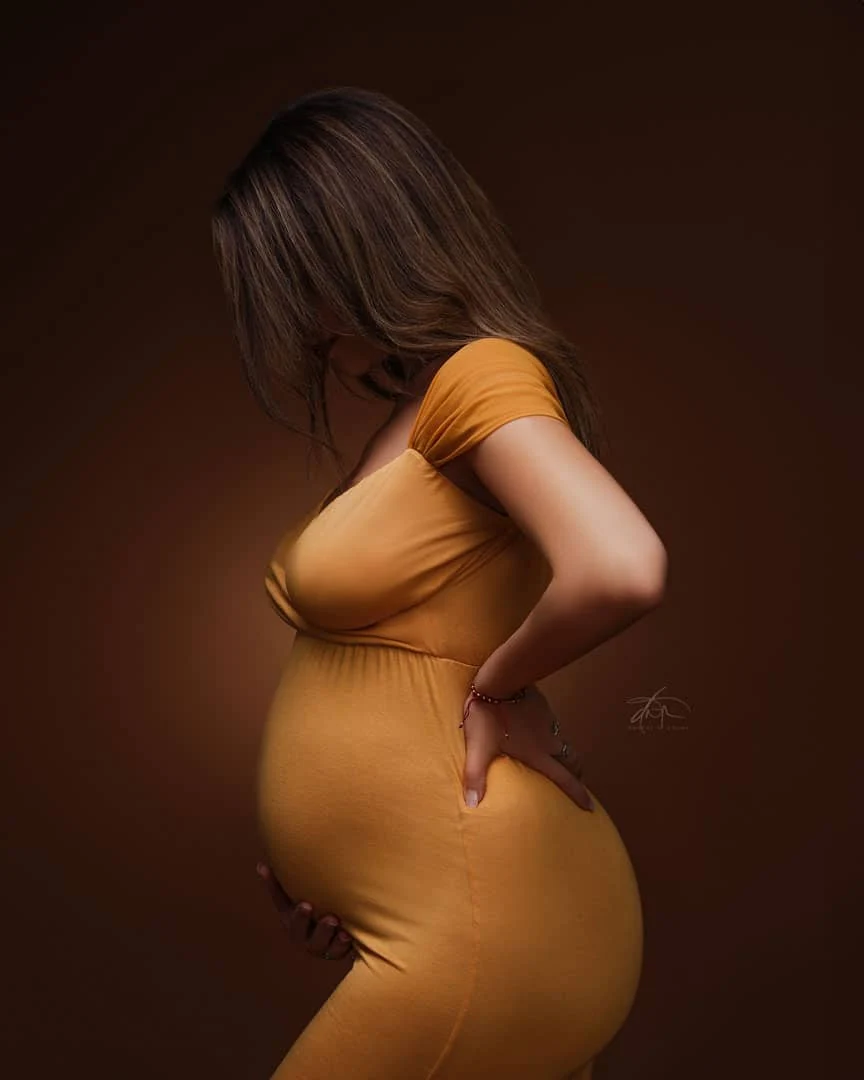
Study a reference for a practical lighting, color and retouch plan. Compare your own shot for prioritized corrections, then test the next adjustment with your gear and meter. To have a portrait finished for you, start with a free assessment in our Retouching Service.
Separate visible clues from assumptions about direction, softness, contrast and background separation.
Compare approaches, place the key and supporting lights, and choose proposed meter targets for important regions.
Upload your test shot, follow the color and retouch recipe, then take the plan into a guided shoot path.
Free planning tools. Analysis availability is shown inside the studio. Suggested targets are experiments, not recovered original settings.
Turn your location, lighting equipment and mood into portrait concepts, with poses and styling you can prepare for. Start with your own location or explore a scene.
Explore Scene & Pose Planner ↗Free monthly concept session with sign-in. Explore the planner before signing in; generation availability is shown inside.
Choose a concept, explore its lighting, pose and outfit plan, then take a moodboard onto your shoot. A generated concept is a visual starting point; verify the real light with your camera and meter.
Ask a client or collaborator to help you choose with an optional voting link showing only the generated concepts you select.
Already have a reference photograph? Build toward that look →From natural retouching and cinematic edits to painterly portraits and artwork hand-painted by an artist.
Free assessment first. Review your plan, price and availability before payment.
Plan three to six portrait looks using the flashes and modifiers you have. Get placement diagrams, an efficient shooting sequence and meter checks for each change.
Plan my lighting variations ↗Free instant planner · Save, print or refine with the AI coach.
Questions about lighting, camera settings, exposure, troubleshooting or retouching? Describe your goal and gear, add a photo if useful, then follow up with your results. Get practical explanations and a next step to test.
See what to ask and how to get started →Choose the shoot, describe the problem, and get a placement or exposure plan you can verify.
Two practical plans for deliberate shadows and real rooms.
Even light across rows. A useful focus plan.
Solve my lighting →Find your golden light. Control the background and balance flash.
More expressions, angles and useful photographs in one session.
Light the face and bump. Shape the outline. Keep beautiful fabric detail.
Build my maternity shoot plan →The best setting is one you can explain and repeat. Every lesson connects a lighting decision to a test you can make with your own equipment.
Find your next lesson →Choose the result: a brighter face, darker backdrop, softer shadow, or more even group.
Make one change. Read the meter, inspect the photograph, and compare it with your prediction.
Explain the difference, adjust deliberately, and save what you learned for the next shoot.
Learn the controls in a useful order: establish exposure, shape one light, control the background, then add a second light with a purpose.
Take the beginner path →One short path from an idea to a setup you can test.
Learning from Godox, Profoto or Westcott? Adapt any tutorial to your own gear →
Work through a real problem, check an example, then use the calculator with your own readings.
Work from an ambient reading to a darker background, a measured flash target and a practical outdoor portrait setup. Includes a two-stop example.
Read the field guide Families & groupsPlan even flash illumination across a family or group, calculate front-to-back falloff, and check depth of field separately. Includes a distance table.
Read the field guide Reference studiesAnalyze a reference photo for light direction, softness and contrast. Build a minimum-light plan, choose regional meter targets and refine with test frames.
Read the field guide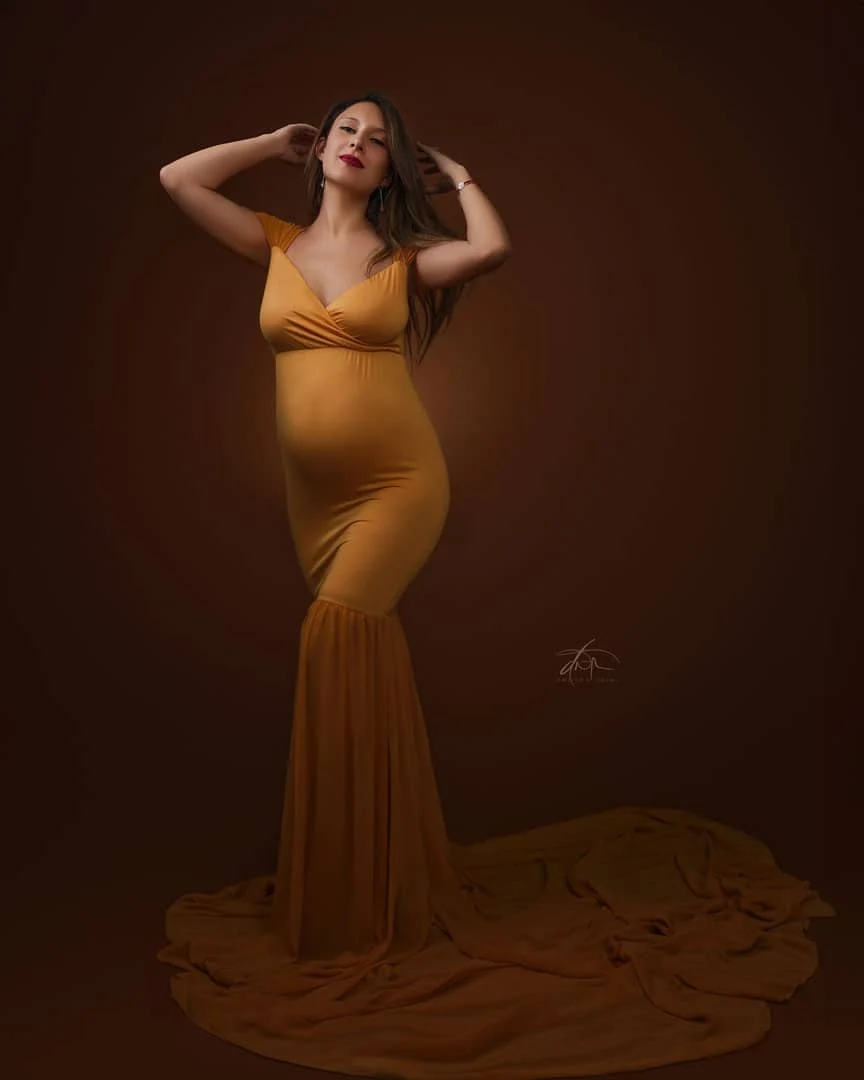
Bring a reference photograph and the lighting question you keep getting stuck on. Spend three focused hours with Dwayne building, measuring, and refining a setup around your equipment and experience.
For photographers in Sacramento, Roseville, Elk Grove and nearby Northern California communities. Dates and arrangements confirmed by inquiry.